Cheat Code
TCP.port==1433
So we have .ETL file from previous netsh session, what can we do with it?
I installed Microsoft Network Monitor 3.4 (download here) – Microsoft why Archive such amazing tool!? 😦 –
Once it’s installed I launch it
Then the usual File -> Open -> Capture… and select the .etl file
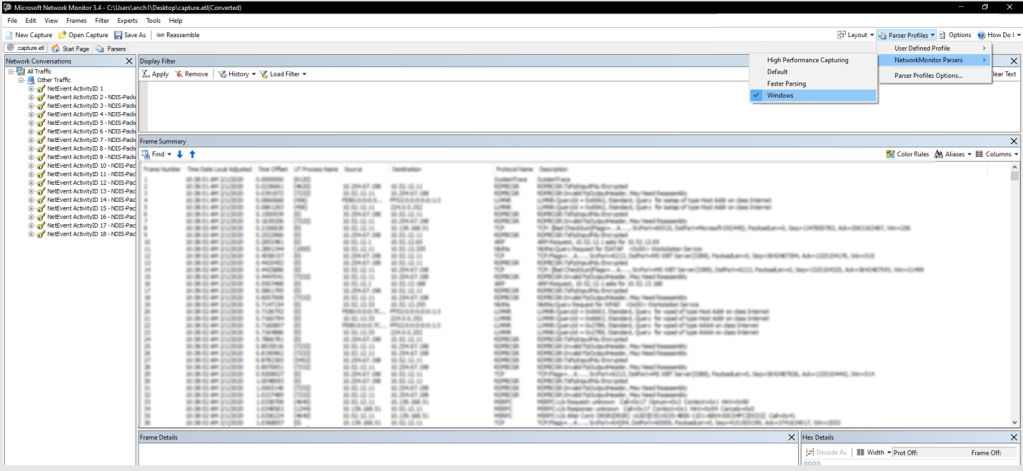
Set the “Parser Profile”
Once that’s done, we can setup the filter “tcp.Port == 1433” at the Display Filter area and click “Apply”
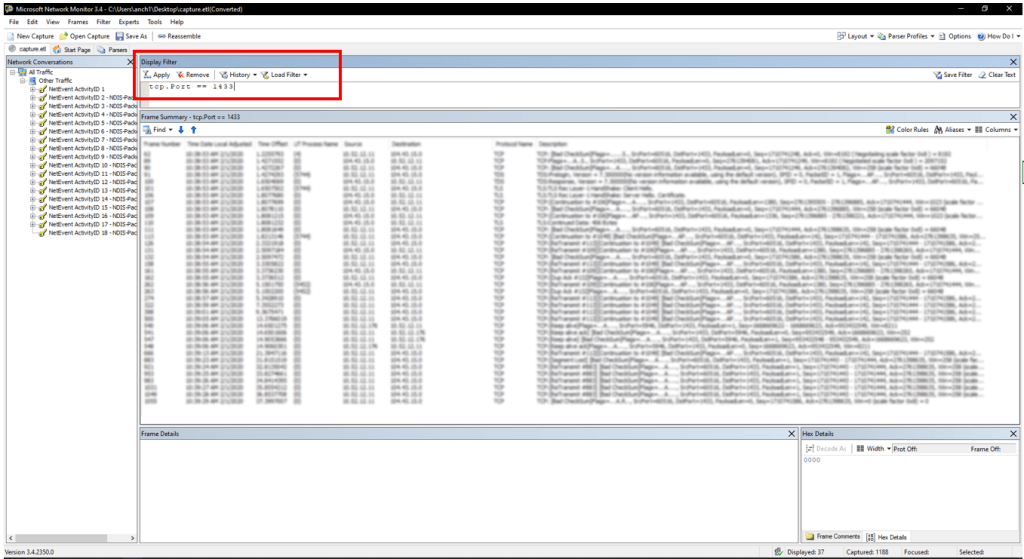
Voila!
now we can focus on tracing our packets

 My IT Cheat Code